Try the live demo
Browse the menu, add a coffee or two and check out as a customer would.
Try the Nook demoLet’s chat — 0478 806 544
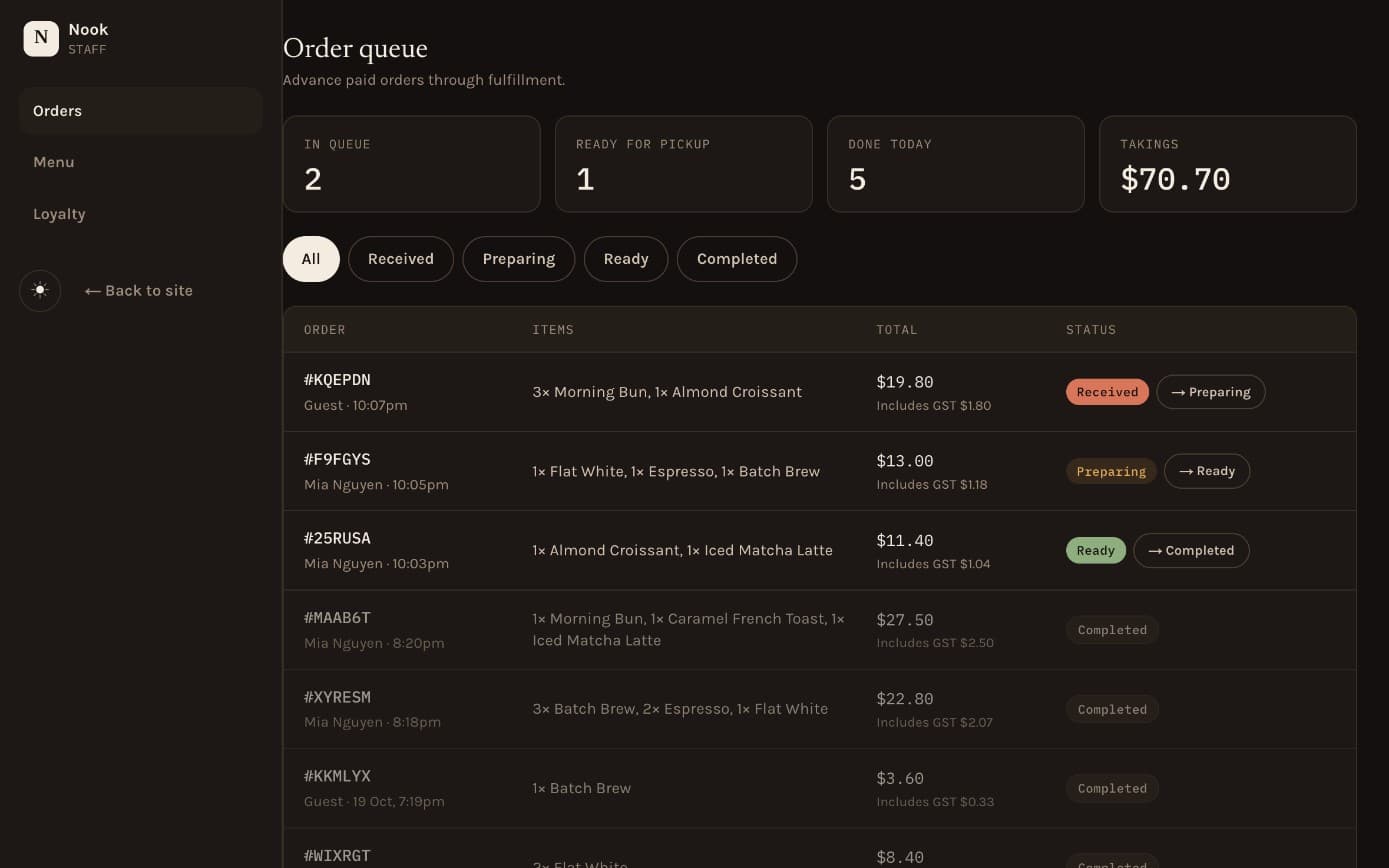
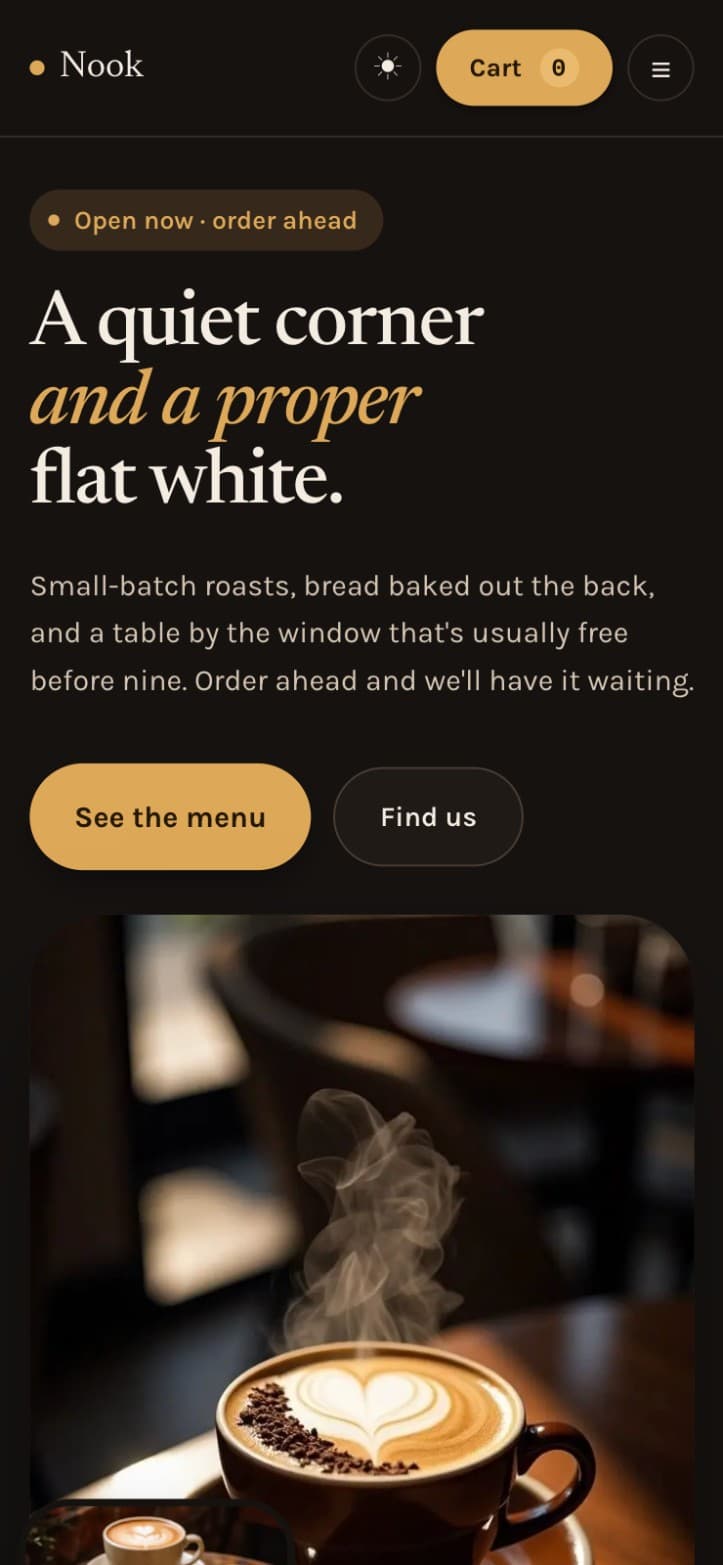
Order ahead for pickup, earn loyalty points with an account, and manage the menu, orders and rewards from one dashboard.
The demo runs in Stripe test mode. Use the test card 4242 4242 4242 4242 with any future expiry date and any CVC.
The problem
A neighbourhood café runs on its regulars, but the busiest hour is spent taking orders at the counter.
What we built
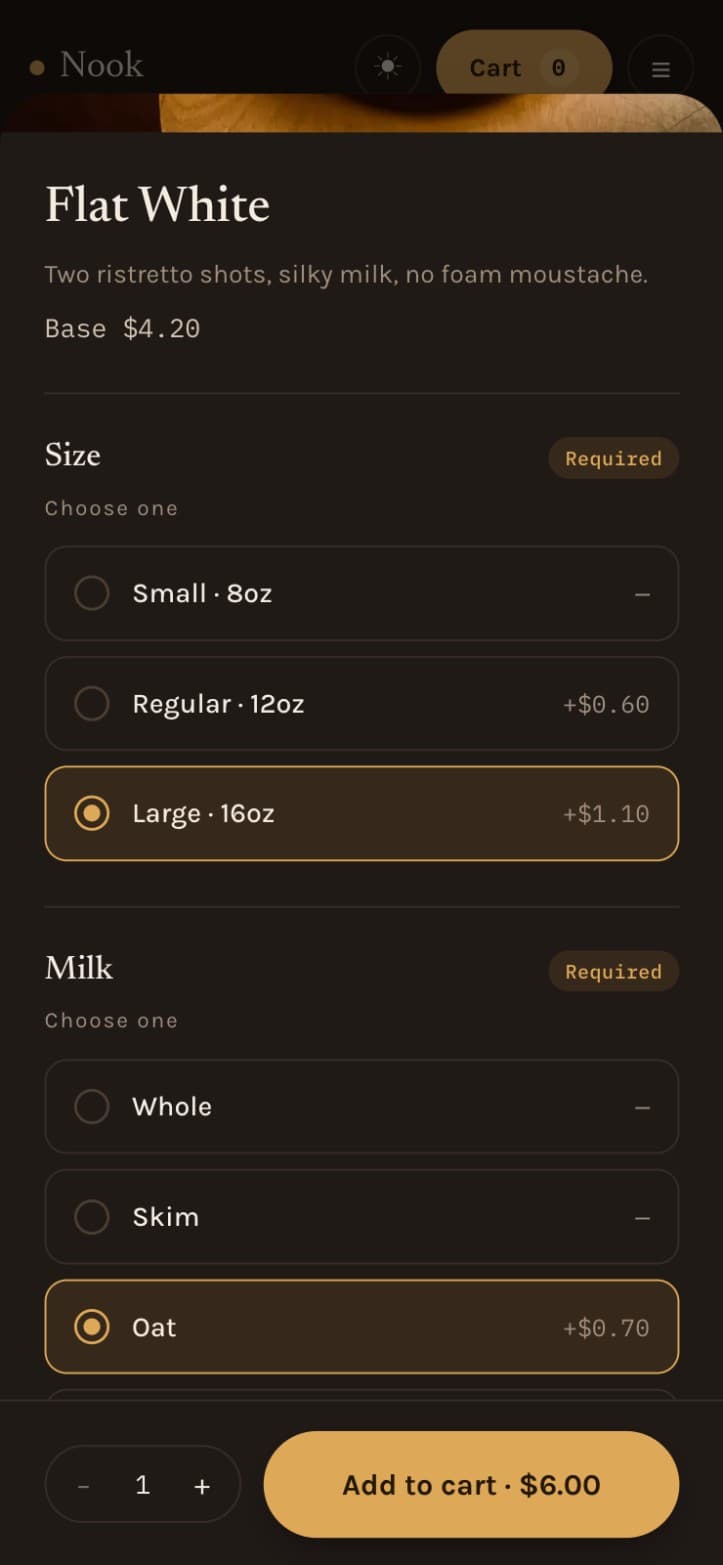
Customers browse the menu, choose size, milk and extras, and order ahead for pickup.
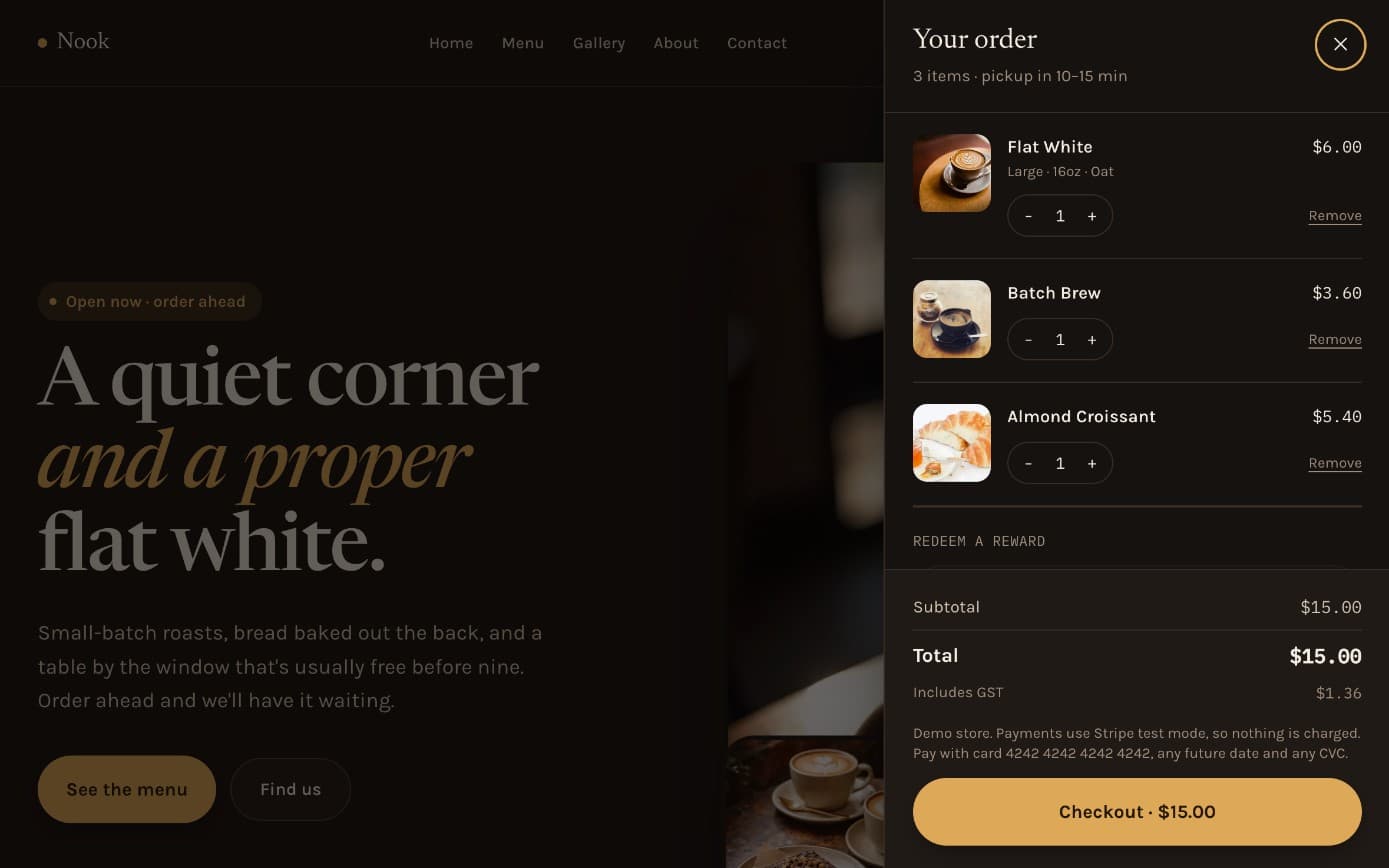
Checkout runs on Stripe. Customers can check out as a guest, or sign in with email or Google to keep their details.
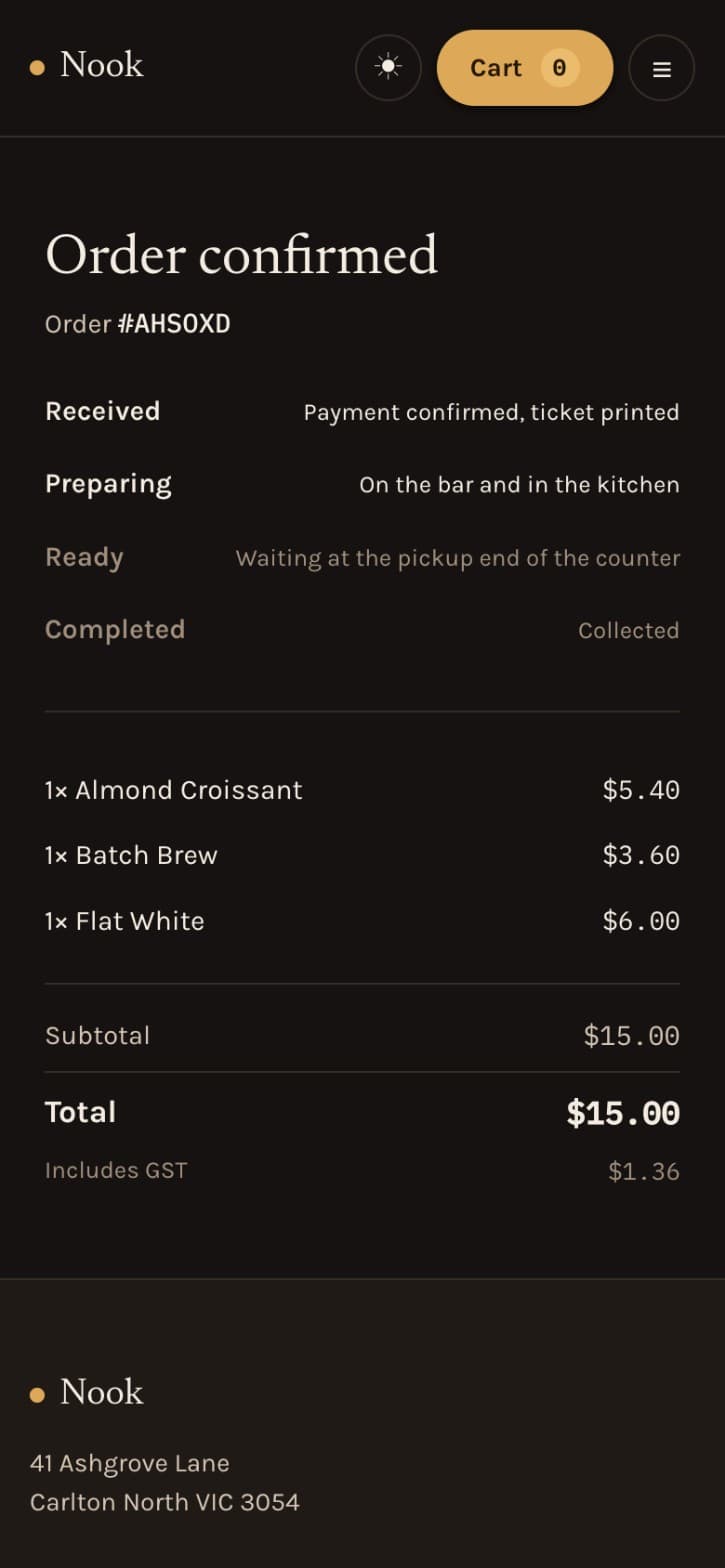
After ordering, customers can see where their order is up to, so they know when to come in.
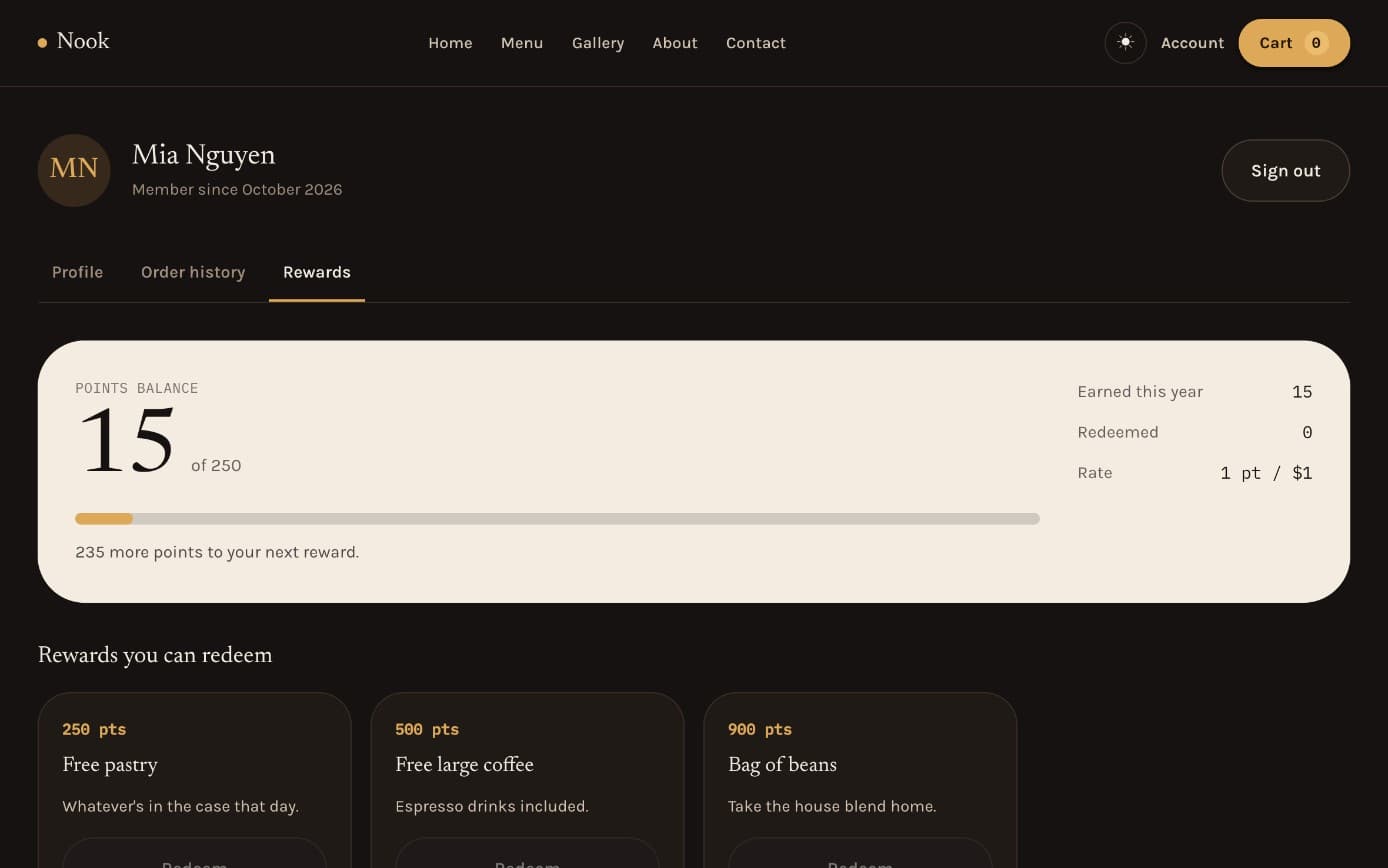
Customers with an account earn points on their orders, see their balance and redeem rewards at checkout, which gives regulars a reason to sign up.
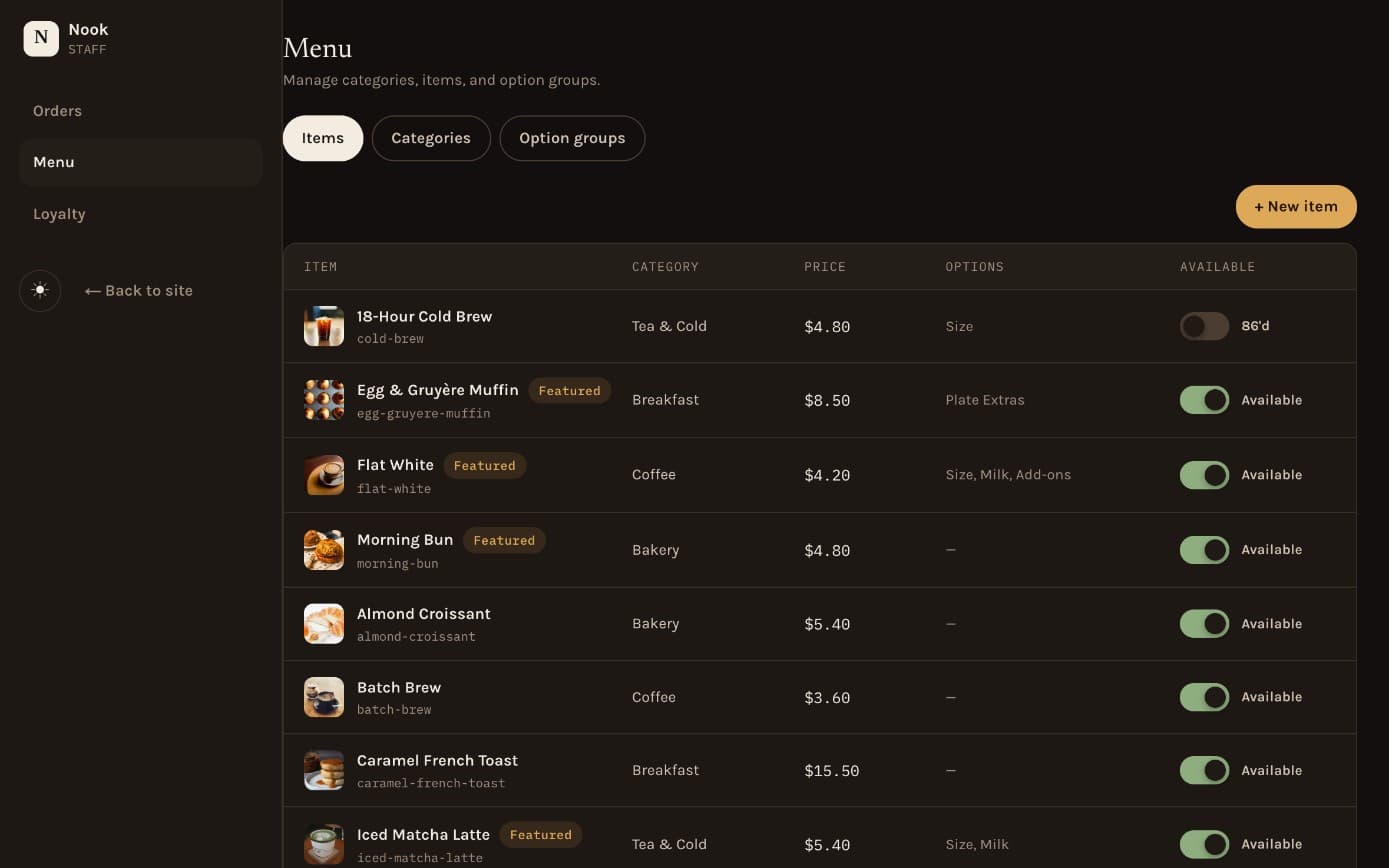
Staff manage the menu, update orders and look after loyalty from one admin area.
Intended benefits
This is a concept project, so these are the benefits it was designed for, not measured results. We’ll show real results once a client shares them.
Customers order ahead, so the counter isn’t the only way in.
Points give regulars a reason to order again.
Accounts show who your regular customers are.
The menu, orders and rewards are managed in one dashboard.
See it
Browse the menu, add a coffee or two and check out as a customer would.
Try the Nook demoTell us how your business runs, and we’ll suggest what would help most and send a clear written quote.
For developers
Next.js, React, TypeScript, Tailwind CSS, Firebase, Stripe, Auth.js and Vercel.